


The Difference Between Intel and AMD Processors

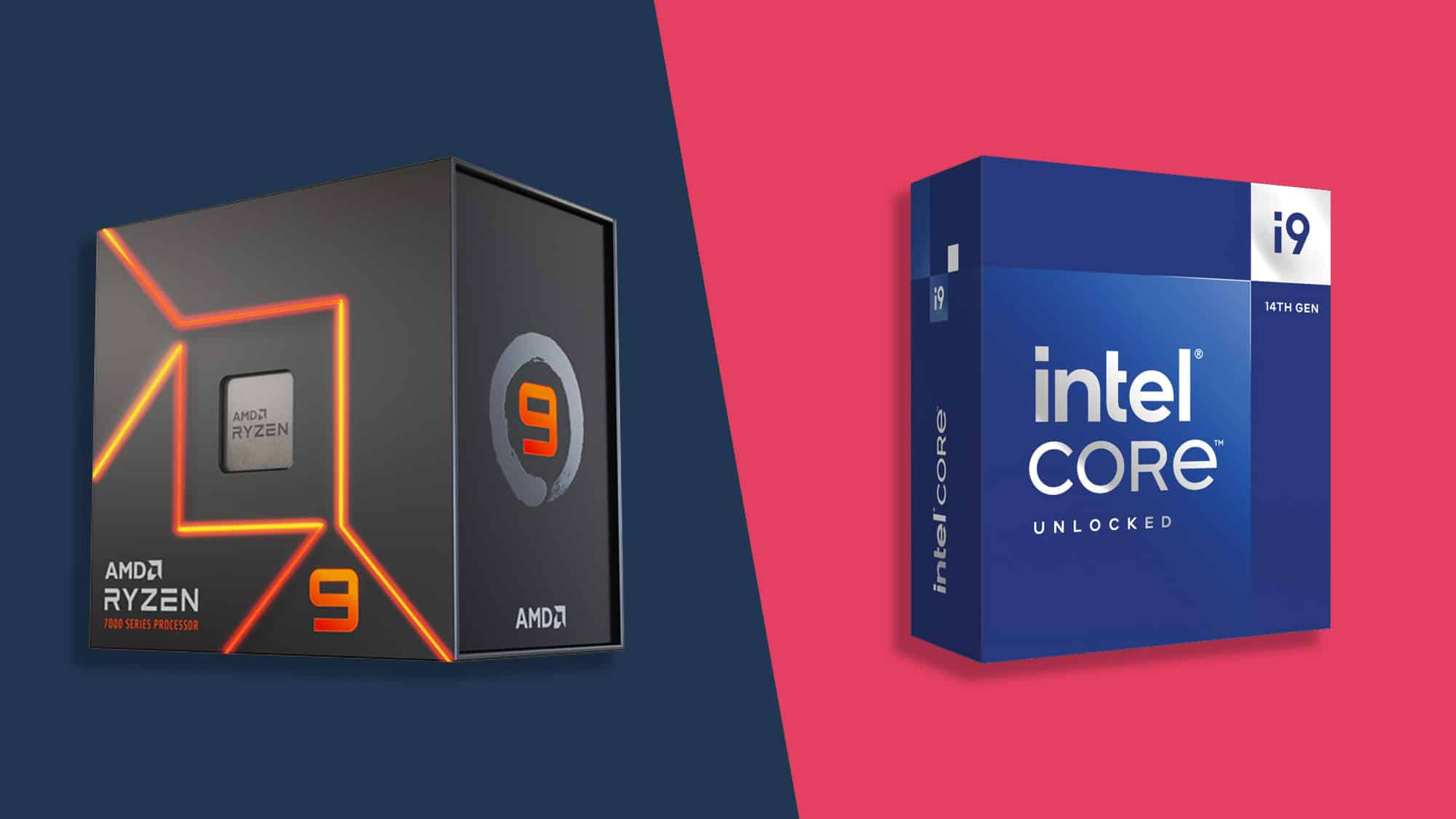
In this comprehensive article, we’ll explore the differences between Intel and AMD processors, focusing on performance, price, power efficiency, and core/thread count. We’ll also explain how these differences affect the user experience on various laptops, including brands like HP, Lenovo, ASUS, and Apple.
1. Single-Core Performance
-
Intel: Known for superior single-core performance, which makes Intel ideal for gaming and applications that rely on fast individual cores.
-
AMD: Has significantly improved in recent generations, but Intel still has the edge in this category.
2. Multi-Core Performance
-
AMD: Offers more cores and threads, making AMD ideal for multitasking, video editing, and design work.
-
Intel: Also performs well but generally provides fewer cores than AMD at the same price level.
3. Price-to-Performance Ratio
-
AMD: Typically more affordable, offering great value for budget-conscious users.
-
Intel: Often more expensive but delivers strong performance in speed-dependent tasks.
4. Power Efficiency & Heat
-
Intel: Consumes less power and generates less heat, making Intel chips more suitable for ultrabooks and compact laptops.
-
AMD: Tends to consume more power and runs hotter, requiring stronger cooling systems.
💻 Impact of Processors on Laptops
1. HP Laptops
-
Intel: Found in models like HP EliteBook and HP ProBook, offering strong performance and energy efficiency.
-
AMD: Found in models like HP Pavilion and HP Envy, offering good performance at a lower cost.
2. Lenovo Laptops
-
Intel: Common in ThinkPad models, ideal for business users.
-
AMD: Available in IdeaPad models, great for casual users.
3. ASUS Laptops
-
Intel: Featured in ZenBook models with sleek designs and solid performance.
-
AMD: Found in VivoBook series with good features and pricing.
🎮 Best Processors by Use Case
1. Gaming
-
Intel Core i7/i9: Excellent gaming performance due to higher clock speeds.
-
AMD Ryzen 7/9: Also great for gaming, especially in multi-threaded titles.
2. Design & Video Editing
-
AMD Ryzen 9: Ideal for content creators who need multi-core performance.
-
Intel Core i9: Great for both single-core and multi-core workloads.
3. Study & Everyday Use
-
AMD Ryzen 5: Good balance of performance and price.
-
Intel Core i5: Reliable, efficient, and widely available.
🛒 Tips for Choosing the Right Laptop
-
Define your needs: Are you using it for gaming, design, studying, or daily tasks?
-
Set your budget: AMD is generally cheaper, while Intel gives more raw power at higher prices.
-
Choose a trusted brand: HP, Lenovo, ASUS, and Apple all offer models with both Intel and AMD CPUs.
📷 Sample Laptop Models
-
HP EliteBook: Business-grade laptop with Intel processors
-
HP Pavilion x360: Convertible laptop with AMD or Intel options
-
HP ZBook: Mobile workstation powered by Intel
-
HP Omen: High-performance gaming laptop
📚 Conclusion
Choosing between Intel and AMD depends on your needs and your budget.
-
If you need strong single-core performance for gaming or fast applications, Intel may be the better choice.
-
If you’re looking for value, multitasking power, and more cores at a lower price, AMD is an excellent option.
Either way, both companies now offer powerful solutions that power some of the best laptops on the market, from premium business devices to budget-friendly student machines.
 Gaming PC Offers


 Gaming Monitors
 Monitors Offer
 PC monitors
 Curved Monitors


 Laptop Gaming Offers


